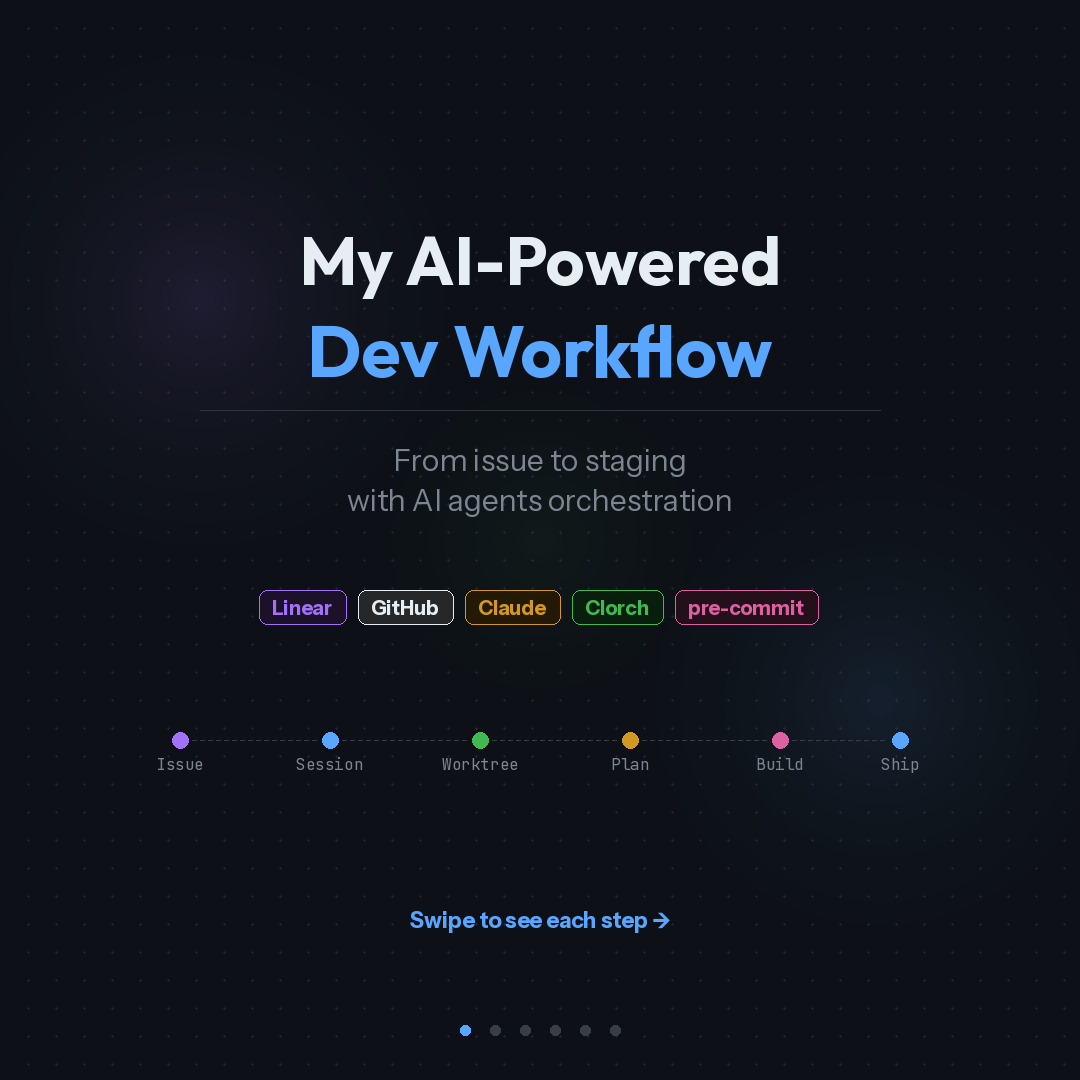
My AI-Powered Dev Workflow: From Issue to Staging with Agent Orchestration
I spent a year in Cursor and thought I'd hit my ceiling for AI-assisted coding productivity. Last week I switched to Claude Code. Within days, my workflow changed more than it did in the previous six months.
I wasn't expecting that. Here's what actually happened, and what the new pipeline looks like end to end.
The IDE was my comfort zone. That was the problem.
This one took me a while to see clearly.
A familiar editor window frames how you think about work. You see files, you think in files. You see a chat panel, you treat AI as a Q&A tool, even when you've set up custom commands and skills. The interface nudges you toward a certain way of working, and after a year of optimising within that frame, the gains had flattened.
Stepping out of the IDE forced me to rethink what I was actually trying to automate. The answer wasn't "write code faster." It was "reduce the number of steps between having a spec and having a tested PR."
That reframing changed everything.
The pipeline now: spec in, PR out
My current workflow runs like this:
- I describe the feature or fix in a conversation with Claude Code
- Claude creates a structured issue in Linear via MCP, with acceptance criteria and labels
- A git worktree gets created for isolated work on a dedicated branch
- Claude reads the issue back from Linear, analyses the codebase, and produces an implementation plan
- I review and approve the plan (this is where I make architecture decisions)
- Agents build the code, write tests, and run a review pass
- A PR lands with CI passing
The code writing part became a smaller piece of the whole process. Most of my time now goes into steps 1 and 5: defining what to build and validating the approach. The rest is orchestrated.
Step 1: Create the issue
I used to context-switch between my terminal, Linear's UI, and whatever doc had the requirements. Now the issue gets created from the same conversation where I'm thinking about the problem.
Claude connects to Linear through MCP (Model Context Protocol). I describe the feature in plain language. Claude generates a structured description with acceptance criteria, sets priority and labels, and creates the issue. The issue shows up in Linear with proper formatting, assigned to me, ready to be worked on.
Three things matter here:
- The descriptions are structured with acceptance criteria from the start. No going back to add detail later.
- MCP means Claude can read existing project context directly. It knows what team, what labels exist, what the current sprint looks like.
- Zero copy-paste. The issue is created from the terminal conversation in seconds.
Small detail, but it compounds. Every time you switch tools, you lose a bit of context. Eliminating those switches adds up across dozens of issues per week.
Step 2: Set up the session
This is where Clorch comes in. Clorch is a TUI (terminal UI) for managing multiple Claude Code agent sessions simultaneously.
The workflow: I run a command that creates a git worktree for the issue, sets up an isolated branch, and attaches a Claude session. Clorch registers the session and shows it on a dashboard alongside any other active agents.
Why this matters in practice:
I can run three agents in parallel. One is implementing a frontend feature, another is fixing a backend cache bug, a third is idle waiting for my review. Clorch shows me each agent's status, what branch it's on, what files it's touching, and what actions are queued for my approval.
The keyboard-driven interface clicked immediately for me. I've used lazydocker for container orchestration for years, and Clorch gives me that same familiar TUI experience for managing agents. When an agent needs permission to write a file or run a command, I press a hotkey to approve. No mouse. No modal dialog. No "are you sure?" popup. Just a keystroke and the agent continues.
Idle detection catches agents that have stalled or are waiting for input. Visual warnings plus notifications mean I don't have to keep checking.
Step 3: Create the plan
This is the step that separates spec-driven development from prompt-driven development.
Claude fetches the issue details from Linear via MCP. It reads the acceptance criteria, then analyses the existing codebase to understand the current architecture, file structure, and patterns. From that, it generates an implementation plan.
A typical plan looks like:
- Analyse existing module structure
- Design the approach (e.g., OAuth2 flow with PKCE)
- Implement the core logic
- Add the API routes
- Handle data layer changes
- Write integration tests
- Update configuration
- Security review of sensitive handling
Each step has annotations: which files will be touched, what layer of the architecture it affects, estimated scope.
I review this plan before any code gets written. This is where I make the calls that matter: is the approach right? Does it fit the existing architecture? Are there security considerations the agent missed? Should we use a different pattern?
Sometimes I rewrite the plan. Sometimes I approve it as-is. The point is that architecture decisions happen before implementation begins. The agent works within a defined structure. If I don't like the approach, the cost of changing it is one conversation, not a half-built feature.
Step 4: Build and verify
Once I approve the plan, agents execute it. And here's where separation of concerns matters.
Three distinct agent roles:
Coding agent implements the plan steps. It follows project patterns, writes typed code, handles edge cases. It reads the plan as a spec and works through it sequentially.
Testing agent writes the tests. Unit tests, integration tests, edge case coverage. This agent validates behaviour against the acceptance criteria from the original issue.
Review agent runs a code review pass. It checks for security issues, performance concerns, standards compliance, and code quality.
The agents iterate until all checks pass. If the review agent flags an issue, the coding agent fixes it. If tests fail, the coding agent adjusts. This feedback loop runs without manual intervention.
The separation is the important part. The agent that writes the code doesn't write its own tests. I wrote about this in my previous article: if AI writes the implementation, a separate agent or engineer must own the tests. Same principle, now applied in practice.
Step 5: Ship it
The agent creates a PR via the GitHub CLI. CI runs: pre-commit hooks for static analysis and formatting, unit tests, integration tests, build verification, security scanning.
If CI fails, the agents auto-fix and push updated code. They retain the full session context, so there's no "start over" loop. The agent knows what it built, why it built it that way, and what the CI failure means.
Once CI passes: merged and deployed to staging. Production deploy happens after my approval.
What I still do manually
I want to be specific about what's automated and what isn't.
I still make architecture decisions. Every plan gets my review before code generation starts. I'm not interested in autonomous agents making structural choices about my codebase.
I still review PRs before merging to production. The agent review pass catches mechanical issues. Human review catches "should we be building this at all" issues.
I still write specs for complex features. The agent can turn a rough description into a structured issue, but for anything with multiple moving parts, I write the spec myself.
I tried a few orchestration platforms that promise end-to-end autonomy. None of them fit how I actually work. This space is too young for one-size-fits-all solutions. My setup is opinionated and built for how I think about problems. Yours should be too.
The actual stack
- Claude Code as the AI coding engine, running in the terminal
- MCP (Model Context Protocol) for Linear integration, giving Claude direct access to project management context
- Clorch for managing multiple agent sessions with a real-time dashboard
- Git worktrees for branch isolation (each task gets its own working directory)
- Pre-commit for static analysis guardrails that run before any commit lands
What changed in my head
The biggest shift wasn't technical. It was in how I think about my role.
In the IDE-centric workflow, I was a developer who used AI to write code faster. In the agent-orchestrated workflow, I'm closer to a technical lead who defines what gets built, approves the approach, and validates the output. The code writing part is a smaller percentage of my day.
This maps to what I wrote about in "The New Rules of Software Engineering in the Age of AI": the engineer's job is shifting toward specification, architecture, and verification. That's abstract until you actually live it. Now I do, daily.
I'm not saying everyone should drop their IDE tomorrow. Cursor is a good tool. I used it well for a year. But if you've been optimising AI workflows inside the same editor for months and the gains have flattened, the bottleneck might be the frame, not the tool.
The interesting question isn't which AI coding tool is best. It's what your development process looks like when code generation is the easiest part.
I put together a visual walkthrough of this pipeline as a set of slides. You can find them on LinkedIn.